Game Project 1
Project Echo
During this game project, I worked with a specific focus on HLSL shaders, scene loading, the player contoller and collision logic.
The game was created in C++ using the schools in-house game engine called TenGine. Made with full support for the PlayStation 5 in mind, this game utilises the Dualshock controllers Gyro, Lightbar, Rumble and Adaptive Triggers to create a unique and unforgettable experience.
Fog and Interactability
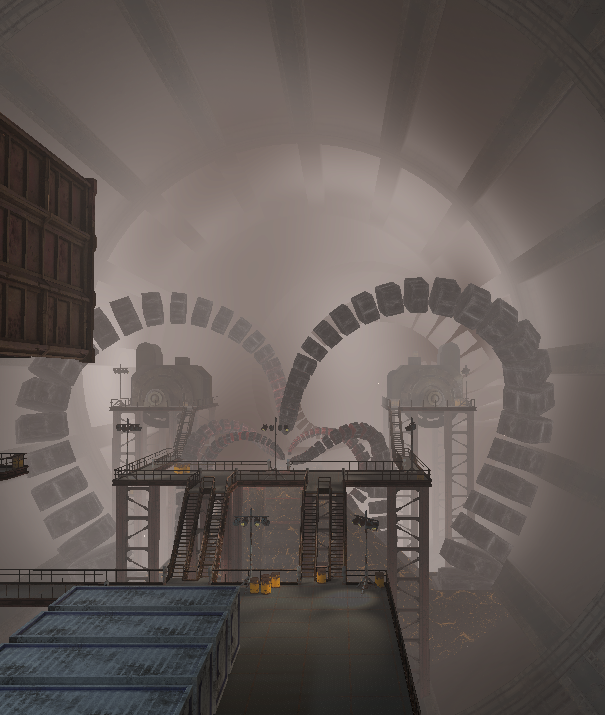
I implemented custom HLSL pixel and vertex shaders for the fog visible throughout the game, the games main hazard, as well as three shaders to tell the player whether or not an object is interactable.
The fog in the game was created by utilising the depth of the scene to gradually shift the colour of each pixel towards a muddy grey.
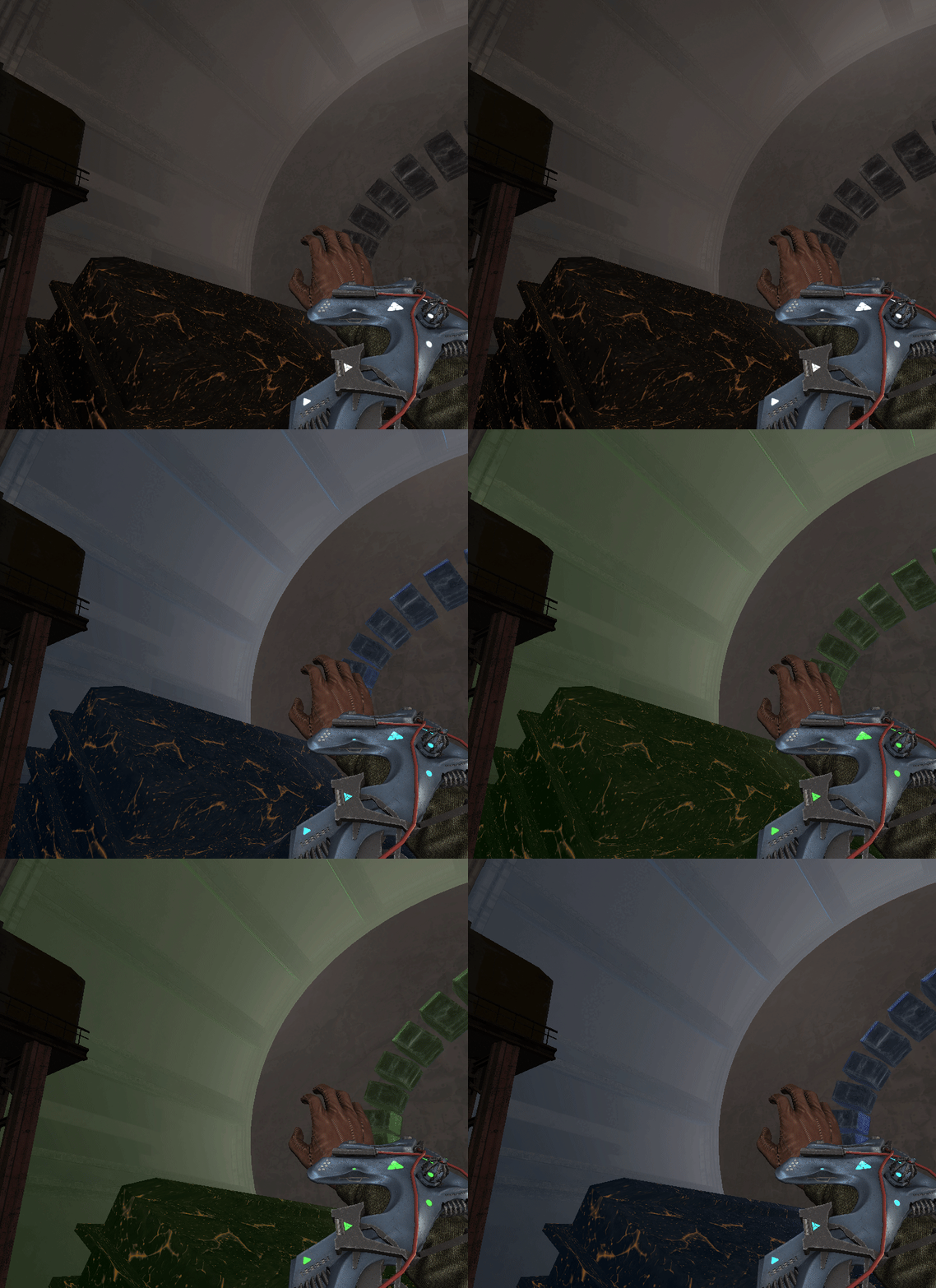
The interactability of objects was shown through basic Fresnel shading in blue or green to respectively show what the player is looking at to interact,
or if that object is currently being interacted with.
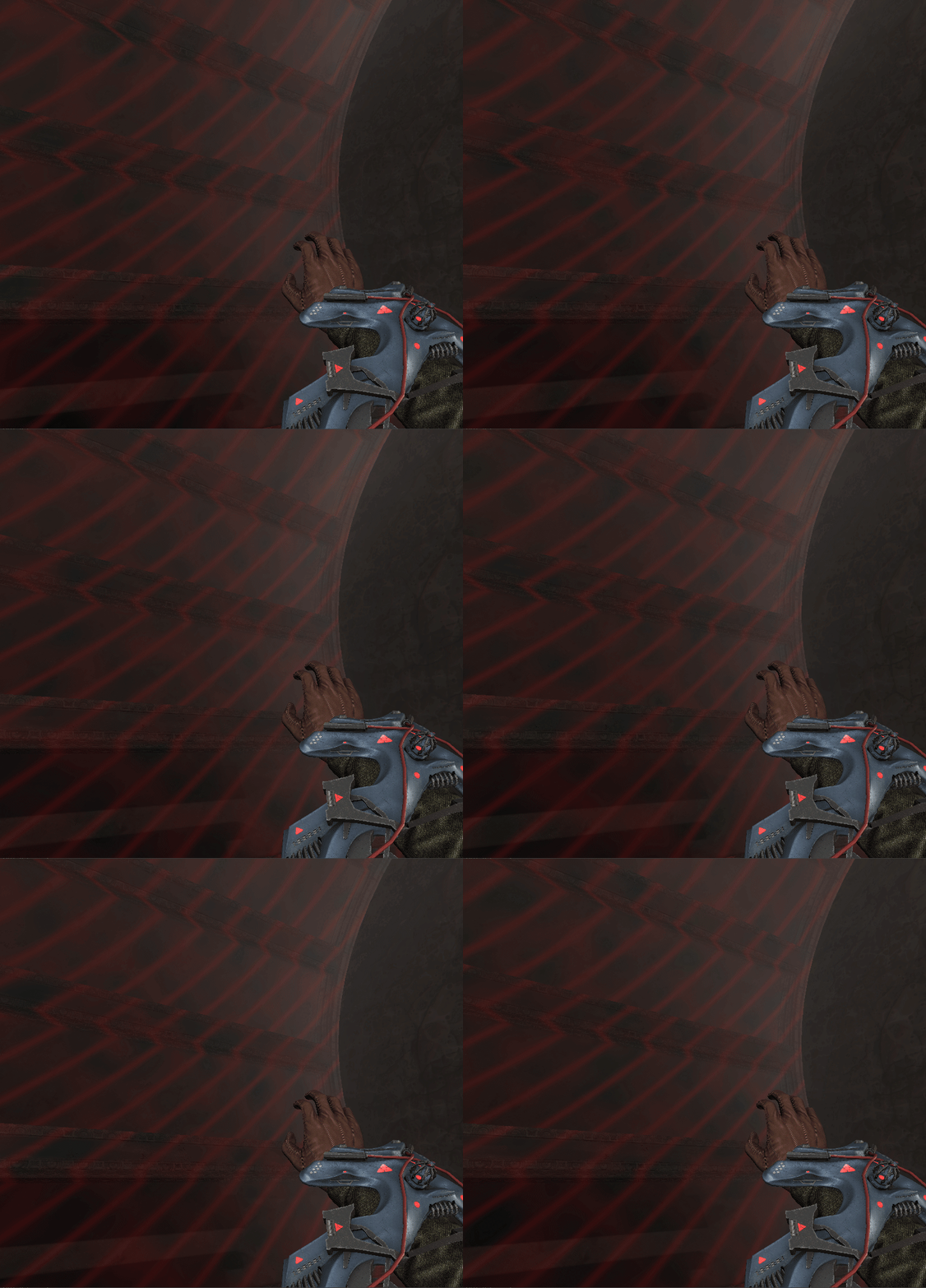
If the player is unable to interact with an object, the object receives a red overlay with stripes and noise that travels across the surface.

Deathbox
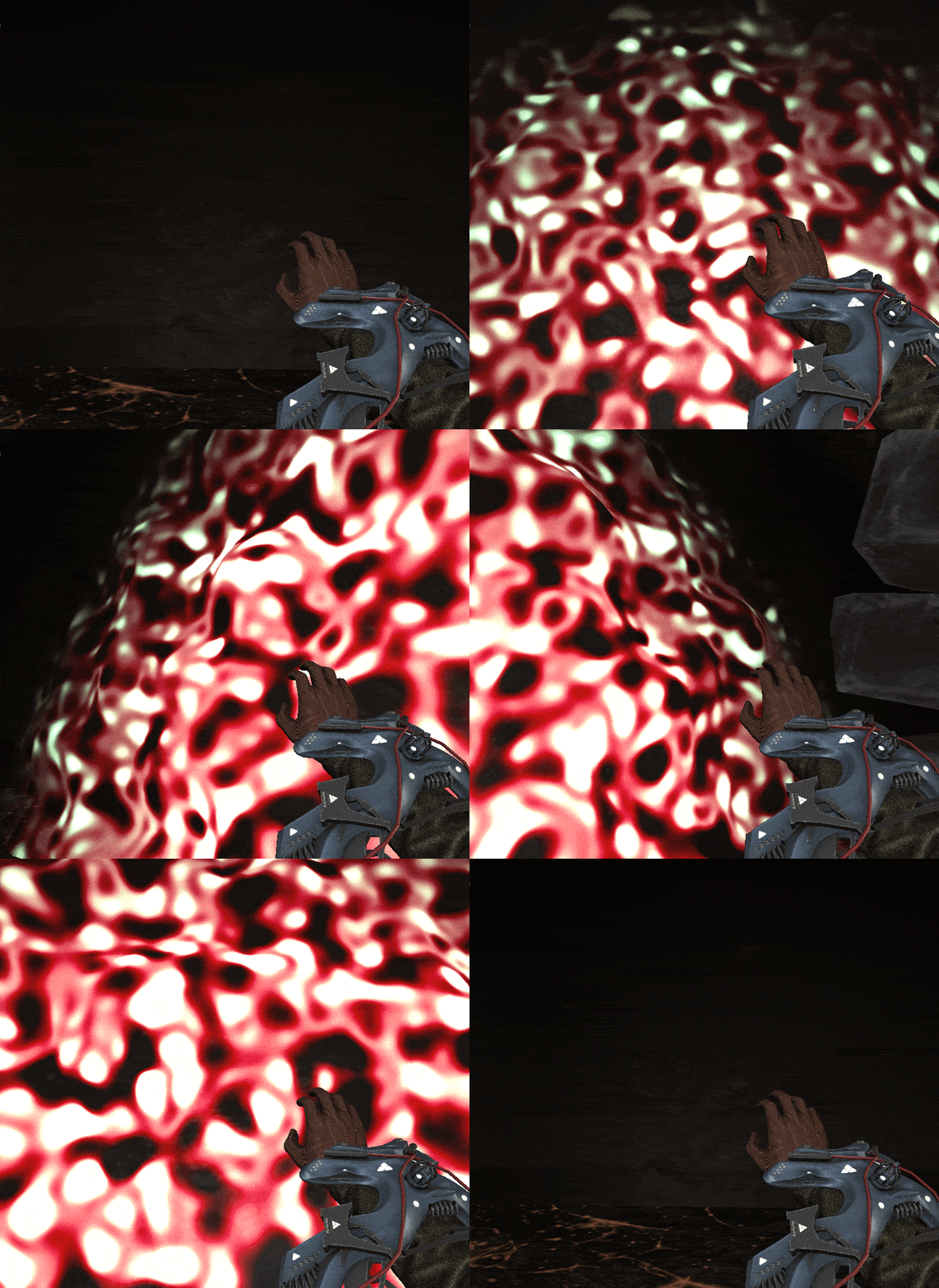
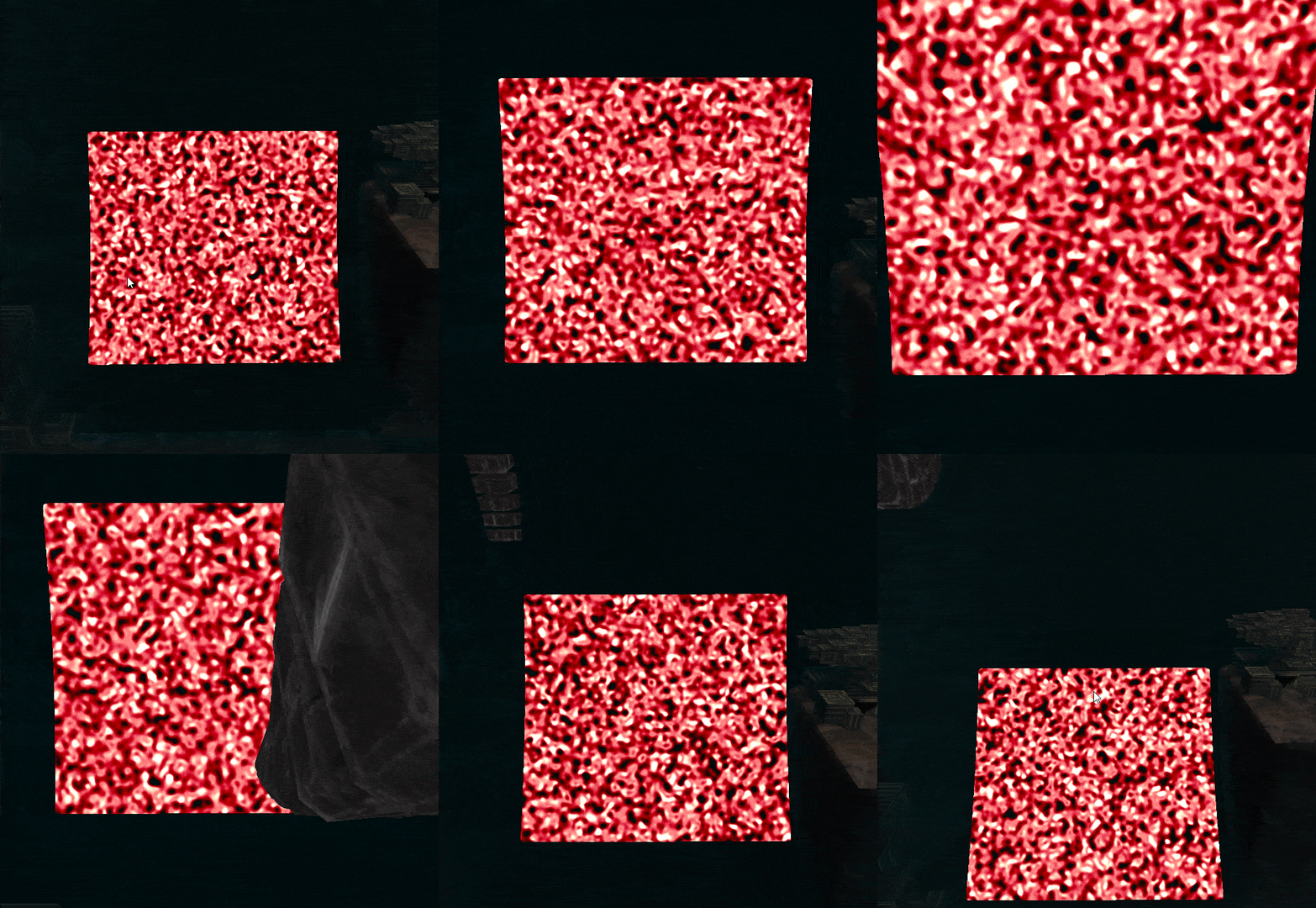
The main hazard in the game is the inner edge of the cylinder that the game takes place within, represented by a bubbling mass that shows up the closer the player gets to the edge. By utilising layers of Perlin noise, I managed to generate a beautiful repeating animated texture and mesh.
Since the bubbling effect on the deathbox mesh is applied per-vertex, this mesh has to be quite high-poly. Due to this, it became unrealistic to use a model that spanned the length entire cylinder. Instead, the game utilises a single high-poly plane that follows the players position along the length of the cylinder.
Scene Transitions
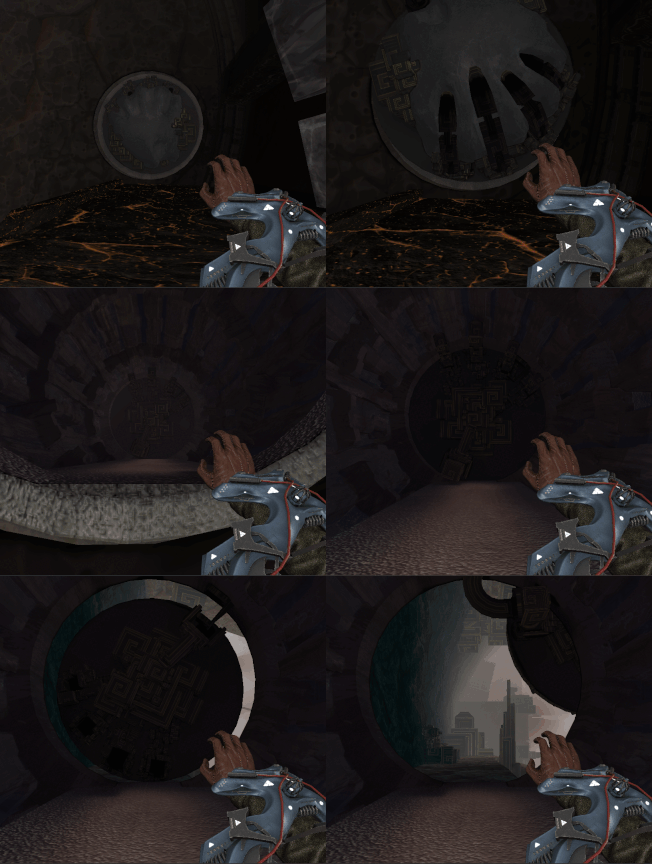
In order to achieve seamless transitions from one level into another, the game utilises a Portal 2-esque form of scene transitions.
Each level has a room at their start and end that is the same. As soon as the player exits a level, their position and rotation relative to this room is stored. When the next level has finished loading, the players position is set to be in starting room of that level, with the stored relative position and rotation applied. This leads to a fully seamless transition from one level to another